
Welcome to ParentLocker! Setting up your online access is quick and simple. Just follow the steps below to get started.
1. Visit Your School’s Login Page
You should have received the login URL from your school—either directly or in your activation email. Click into the link to access the login screen.
2. Click “Activate Account”
Under the login box, select Activate Account to begin the setup process.
💡Note: If your email address is hosted by Gmail or Google Workspace, click Sign in with Google to login using your Google Credentials. You do not need to continue to the steps below when signing in with Google.
3. Enter Your Credentials
On the next screen, enter:
- Your email address
- The activation code you received in the Welcome Email from your school.
4. Complete Your Profile
If your email and code match, you’ll be prompted to:
- Update your name.
- Confirm or update your login email address.
- Set a password for future logins.
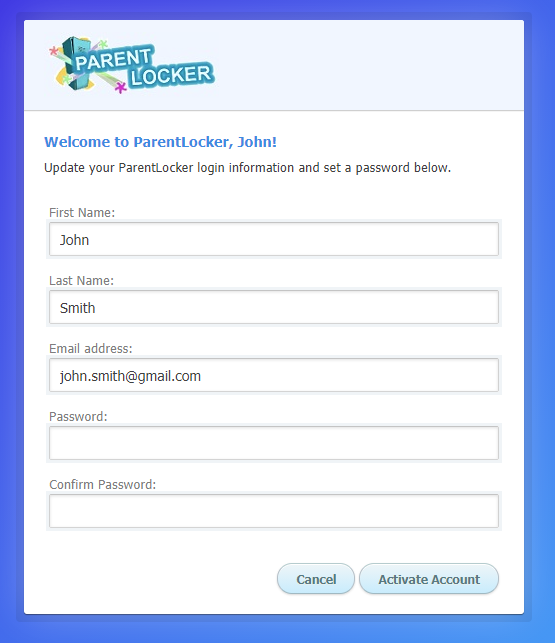
5. Click “Activate Account”
Once your information is complete, click Activate Account to finish.
You're All Set!
You’ll be taken to your ParentLocker login screen to login with your email address and password.
📌 Note: Your activation code becomes invalid after activation. For future logins, use your email address and the password you just created.