
Hello, teachers!
Click a topic below to view recorded and written help tutorials relating to classroom tools in ParentLocker.
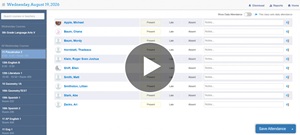
Taking Attendance
Attendance in ParentLocker is quick and easy. With just a few clicks, you can record who’s present, absent, or late, making it simple to keep accurate attendance records.
Watch the step-by-step tutorial to review how to take attendance.
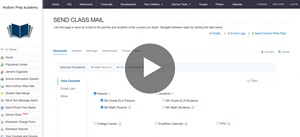
Sending Class Emails
Streamline communication and boost parent engagement with class email updates.
With ParentLocker, you can quickly email parents and students connected to the classes you teach, making it easy to share important updates, reminders, and announcements.
Learn more here: Sending Class Emails
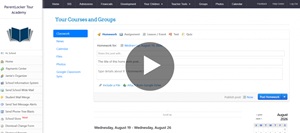
Posting Classwork and Assignments
You'll be able to post classwork and assignments directly in ParentLocker, giving students and parents a clear, up-to-date view of what’s due and when.
Review this video tutorial to get started: Posting Classwork and Assignments
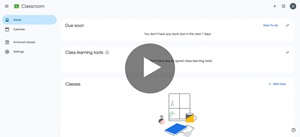
Syncing Google Classroom to ParentLocker
Connect your Google Classroom classes to ParentLocker, so classwork and assignments posted in Google Classroom automatically appear in ParentLocker.
With our Google Classroom sync feature, students and parents stay up to date in one place.
Check out our step-by-step tutorial to get started: Syncing Google Classroom to ParentLocker
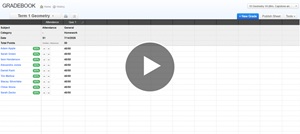
Gradebook
ParentLocker’s Gradebook provides a simple, intuitive way to record grades and track student progress, all from one easy-to-use interface.
Click here for our how-to series on using the Gradebook: Gradebook
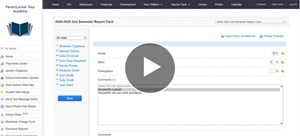
Entering Report Card Grades
When report card and progress report time rolls around, ParentLocker makes it easy to enter student grades.
Review this step-by-step guide when it’s time to get started: Entering Report Card & Progress Report Grades